
PDF or Word: which resume file type works best for ATS?
For PDF or Word for ATS, follow the employer’s accepted file types first. If both are allowed, use a simple document whose text and layout survive export; neither PDF nor DOCX is universally best for every applicant tracking system (ATS). This free checker accepts PDF only, so a PDF check does not establish what you should submit to the employer.
Start with the employer’s instructions
If the posting or upload form requests DOCX, submit a Word document in that format. If it requests PDF, submit PDF. When the instructions conflict, use the accepted format in the application portal or contact the employer through its stated support channel.
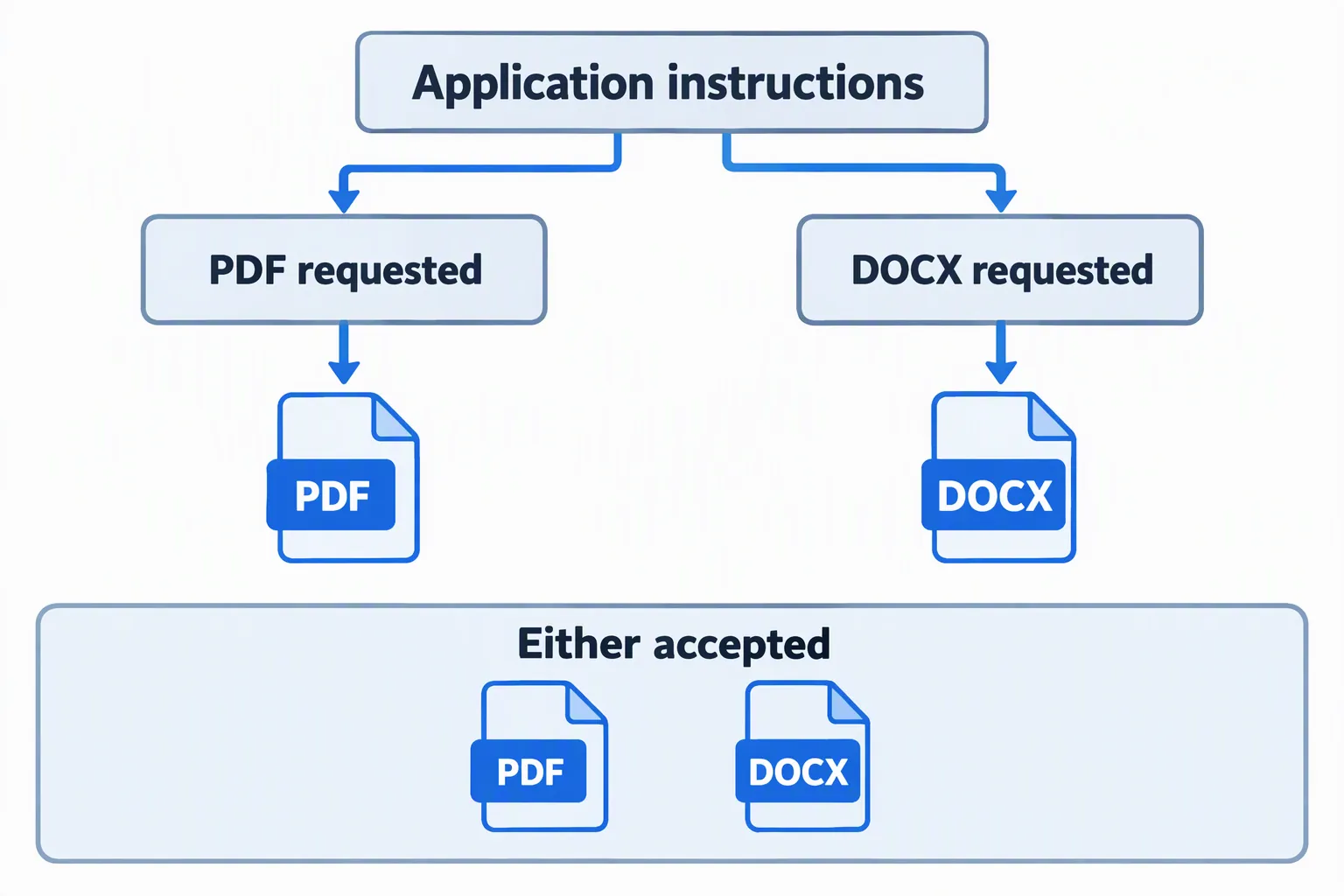
Greenhouse lists supported candidate-upload formats, including DOCX and PDF. This confirms that one vendor can accept both; it does not make either format the best choice for every employer or guarantee successful parsing.
If both formats are accepted, inspect the file
A PDF preserves the page layout when exported, which can help you review the version a person will open. A DOCX remains editable, but its appearance can change with fonts, software, or document settings. Neither advantage excuses an unreadable or badly ordered resume.
Keep an editable source document so you can revise the content. Export a fresh PDF after each change, then reopen it. If you submit DOCX, open the saved DOCX too rather than assuming the editor’s current preview matches the final file.
Distinguish text-based PDFs from image-only scans
A PDF can contain text, images, or both. Exporting from a word processor usually creates text you can select, while scanning a printed page may create a picture of the words. Both can look readable to a person.
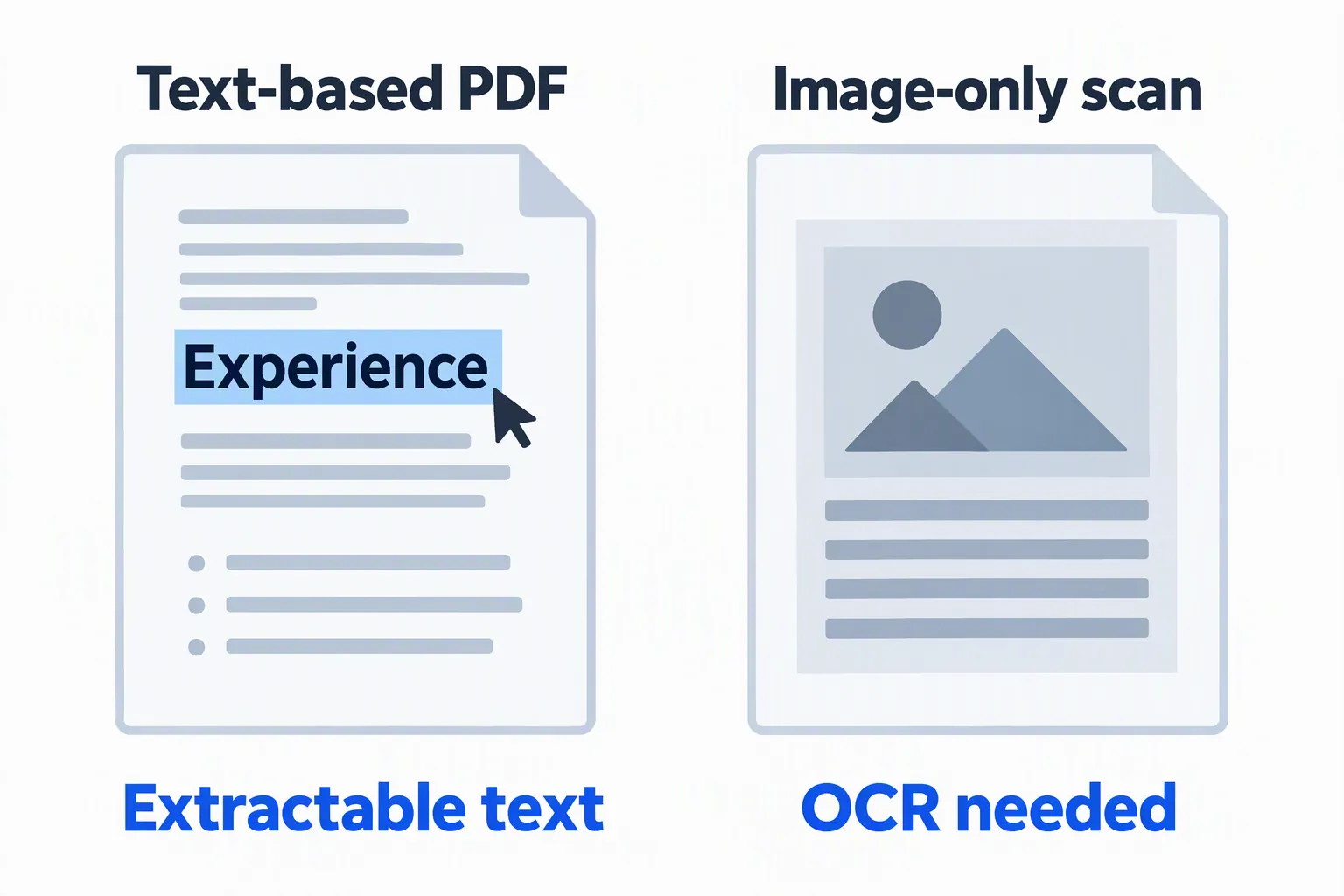
Optical character recognition (OCR) recognizes words inside images. This checker does not provide OCR, so an image-only scan may produce little or no extracted text. Other systems may support different processing; do not assume your application portal can recover every scan.
A scanned PDF that already contains an OCR text layer may have selectable text, but that layer can have mistakes. Review names, dates, and terminology instead of treating selection as proof of accuracy.
Check what can actually be read
Try selecting a sentence and copying it into a plain-text editor. Look for missing words, broken characters, and an order that separates titles from dates. This is a useful check, not a simulation of every employer’s parser.
Greenhouse’s parsing guidance lists image uploads and complex formatting as possible problems. A successful upload means the portal received a file; it does not prove all its fields were filled correctly.
Repair a file with missing text
- 1
Return to the editable source
If available, use the original document rather than a photo or scan. Keep essential information as ordinary text.
- 2
Export and reopen
Create the required format, then check the saved file for legible text, correct links, and complete pages.
- 3
Review application fields
Correct any details filled from your resume before submitting. If the upload fails, follow the portal’s error message or support instructions.
Renaming an image to end in “.pdf” does not create a valid PDF. Renaming PDF to “.docx” does not create a Word document either; use an actual export or save function. Avoid passwords or restrictions that prevent the employer from opening the application file.
Your next step
The best file is the format the employer accepts, with information that remains readable and accurate. Keep the editable source, check the exported version, and review any application fields filled from it.
Run the free ATS resume check to review your PDF before applying. For more on arranging your work history, read Democruit’s guide to resume formats.
Sources and product behavior checked October 4, 2026. Illustrations and worked examples are fictional; employer systems and requirements vary.
Frequently asked questions
Is PDF always better than Word for ATS?
No. Follow the employer’s requested format and use a clear file with readable text. When both are accepted, inspect the saved version rather than assuming its extension guarantees compatibility.
Can I upload DOCX to this checker?
No. This checker accepts PDF resumes, so export a PDF for your check. If the employer requires DOCX, submit the required DOCX after reviewing it separately.
Why does a readable PDF produce no text?
It may contain a picture of the page rather than extractable words. This checker does not provide OCR; export a text-based PDF from the original document when possible.